Beta 0.0.51 · free download

Delta Playout

Free audio/video playout for radio, DJs and content creators. Playlists, automation, spots and streaming in one place.


Audio and video control in one environment

One playout environment: control playlists, microphone, spots, streaming and video output.
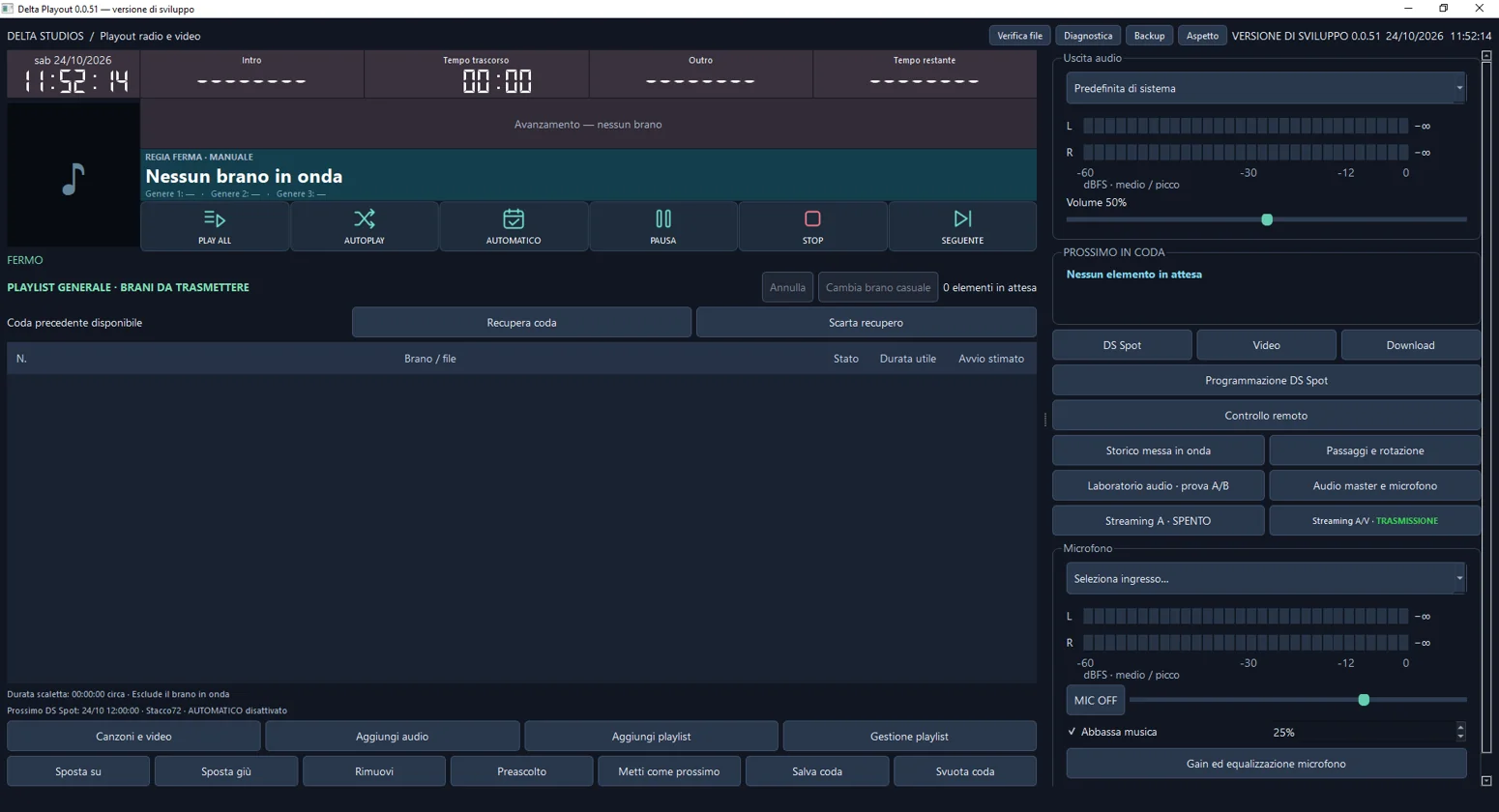
Delta Playout main interface
Key features

What this release highlights

♪

Playout and playlists

Queue handling, cueing, single play or sequence play, manual mode, autoplay and automatic mode.

◎

DS Spot

Dedicated area for scheduled spots and rotations, integrated into the operational workflow.

⇄

Audio / Video streaming

Controls for audio-only and audio/video streaming, with tools intended for practical testing.

▣

Video and camera

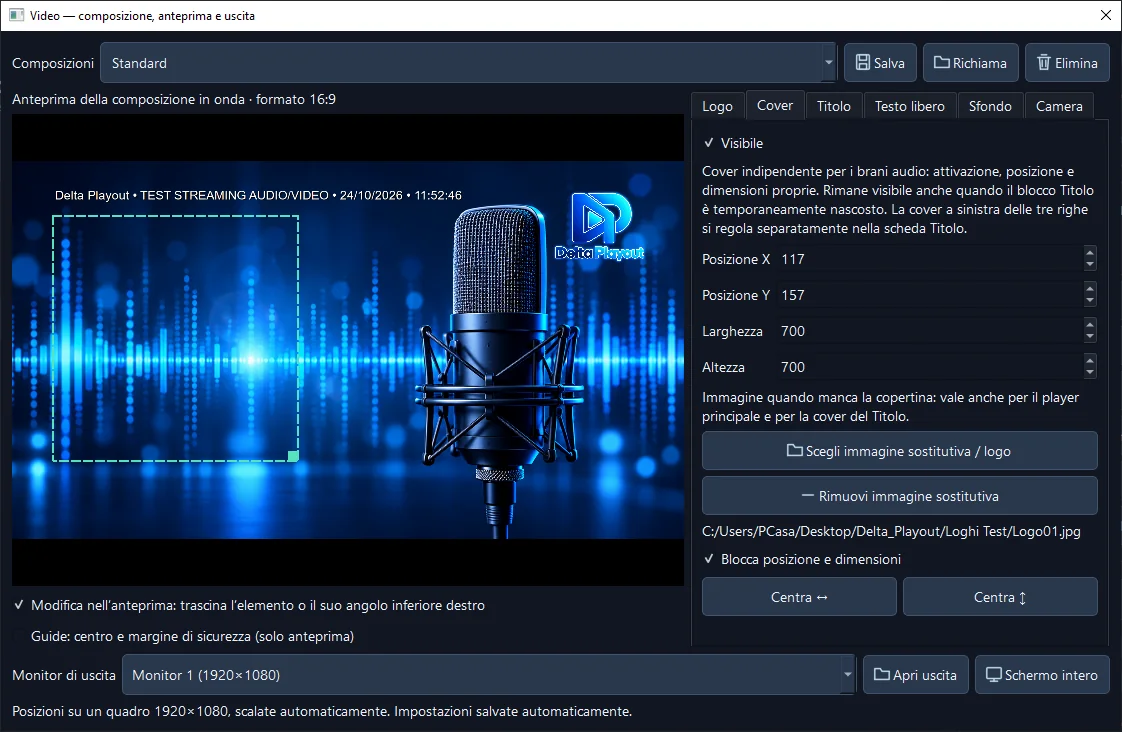
Preview, video output, graphic composition, camera handling and on-air layout tools.

Test streaming

Delta Playout live

When a test broadcast is active, watch it here without leaving this page.

Checking stream…

Video appears when a test broadcast is available. Playback and player content are provided by an external video service.

Download

Download Delta Playout

Delta Playout is free.

An optional donation helps support independent development.

♡ Donate with PayPal ↗

Beta version 0.0.51 for Windows and macOS. Download the packages and read the manual before use.

Available release

Windows

Beta package for Windows 64-bit.

  • Extract the entire ZIP.
  • Run Delta Playout.exe.
  • Keep the _internal folder next to the program.
  • Music and video files are not included.
Download for Windows ↗
Available release

macOS

Beta package for Apple Silicon Macs (arm64).

  • Move Delta Playout.app to Applications.
  • Grant microphone and camera permissions only when requested.
  • The app is ad-hoc signed and not notarized.
  • Test devices, playout and streaming before going live.
Download for macOS ↗
Documentation

Illustrated manual

Complete PDF manual, useful before testing the release.

  • Includes an illustrated guide to the program.
  • The Windows package also references it inside the Documentation folder.
  • Windows-specific instructions need adaptation on Mac.
Open the manual ↗
Quick notes: do not run two versions at the same time. Windows data path: %LOCALAPPDATA%\DeltaPlayout. Mac data path: ~/Library/Application Support/DeltaPlayout.
Free download

Support Delta Playout

Delta Playout is free. If you wish, support development with an optional donation. You can download without donating.

♡ Donate with PayPal ↗Continue to free download ↗No payment required.